

A reading challenge for grades 6-12.
Develop a solid foundation for school and foster a love of reading.

Services from HPLD and other community organizations.

Join one of our book clubs or start your own with HPLD book club bags.

Need personalized help? Make a free, 30-minute appointment with an expert, at any of our locations.
Tell us what you want, we’ll bundle it up and have it waiting for you!

Classes and resources to help you on the path to U.S. citizenship.

Computers and Wifi are available at all locations.

Get your items curbside. No appointment necessary.
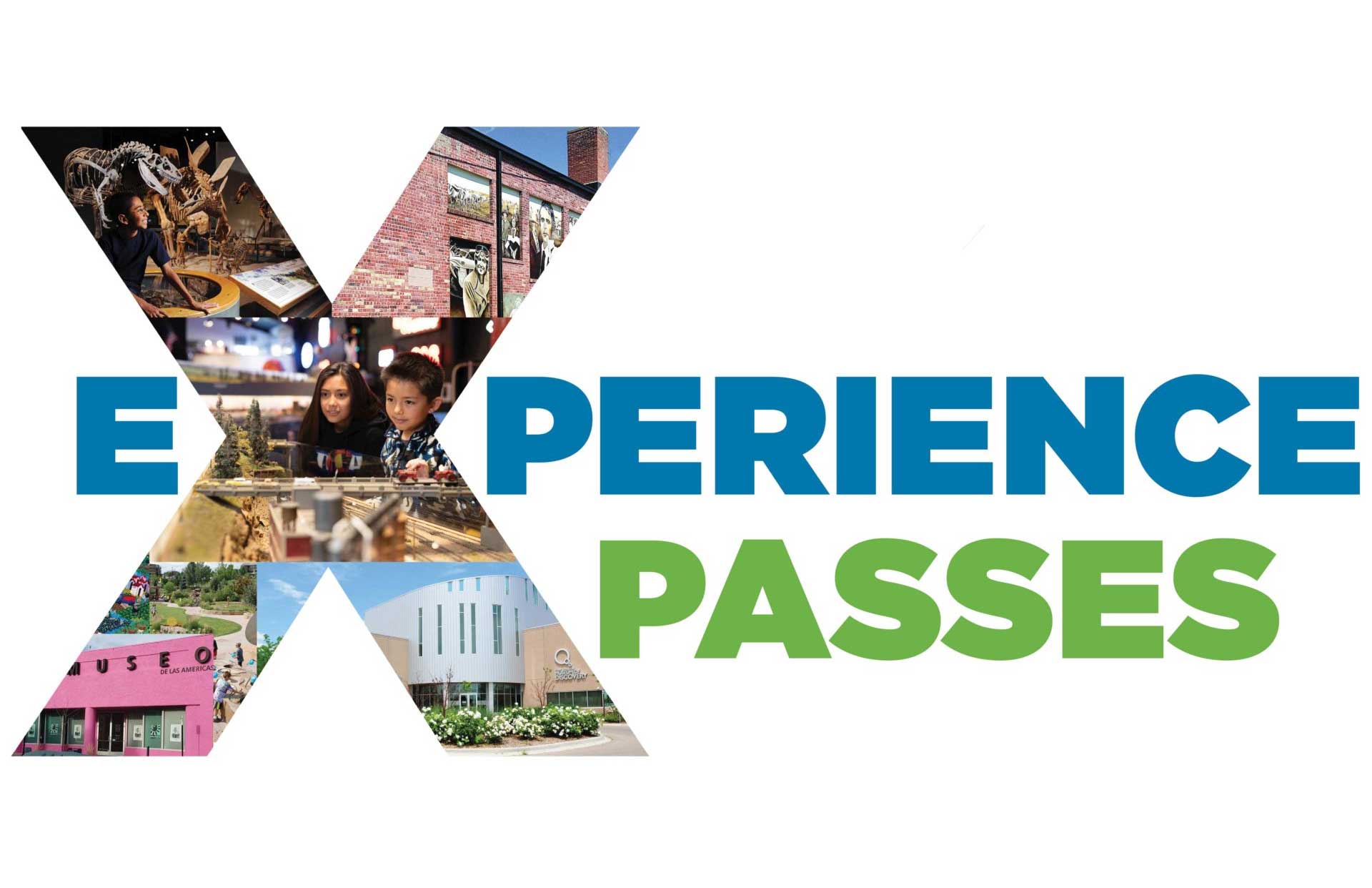
Check out one of HPLD’s Experience Passes and gain entry to local attractions, museums, and more!
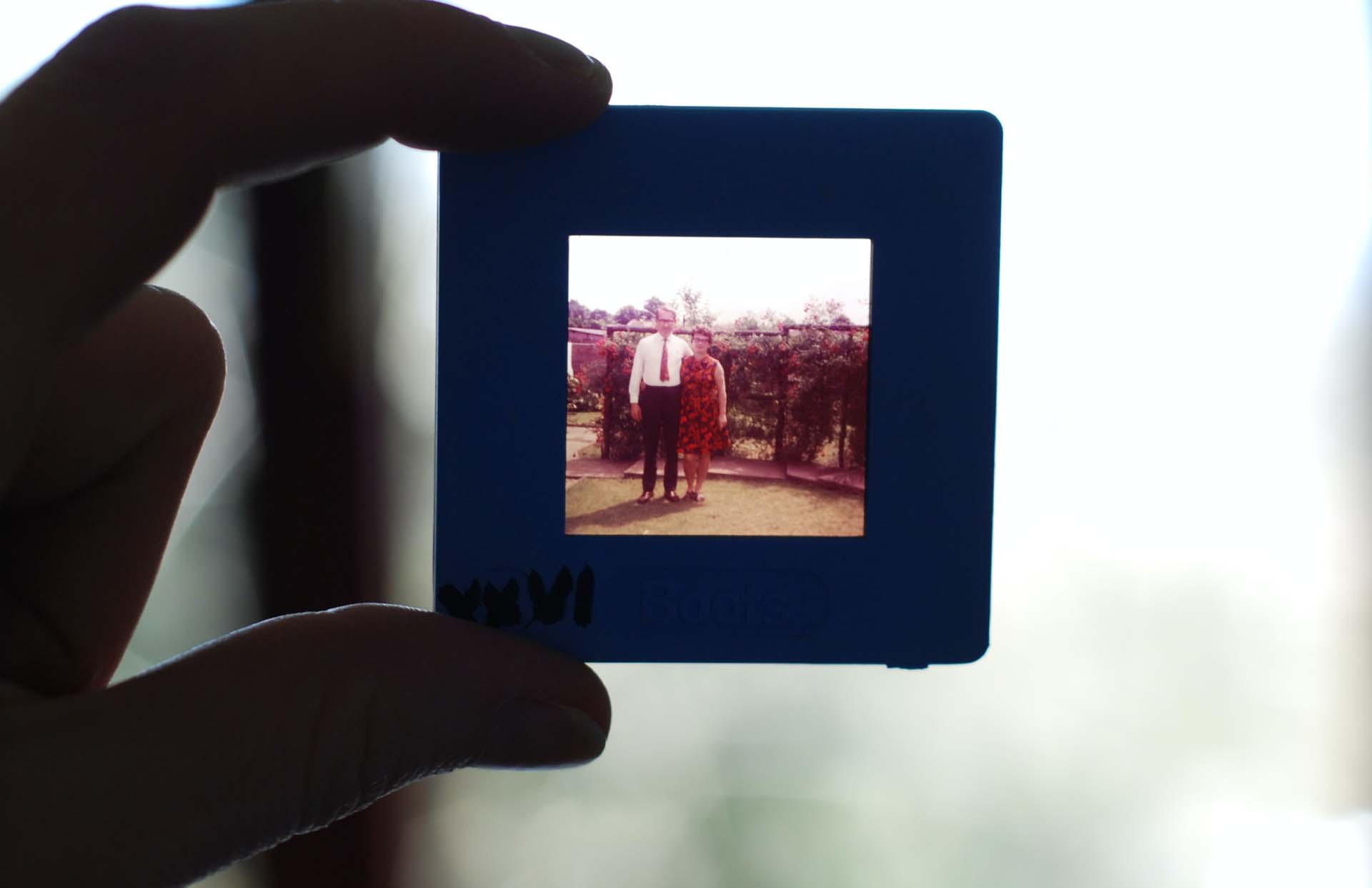
Learn more about your heritage online, or make an appointment for in-person help.

Don’t see what you want in our catalog? We can still help you get it!

Get a job, learn a new skill, build a resume, and much more.
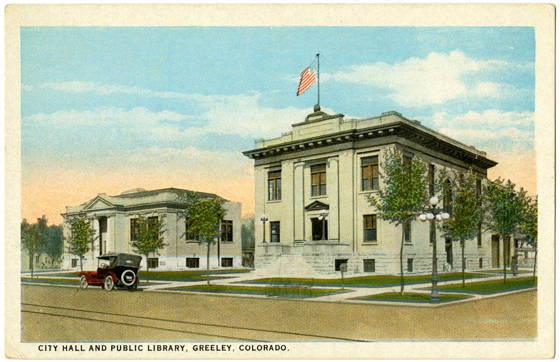
Learn about the history of Weld County and the surrounding areas.
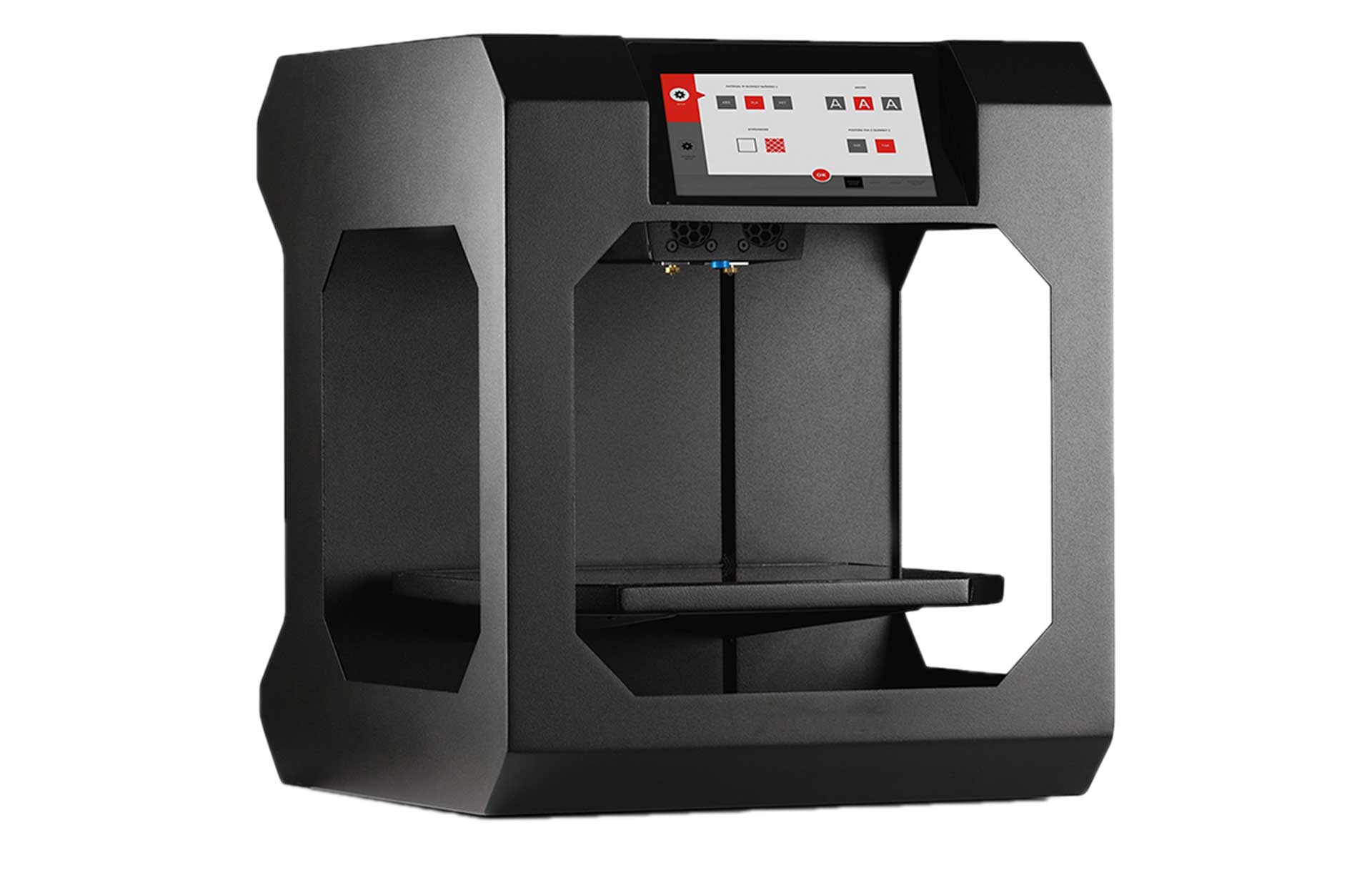
3D printing, die cut machines, laser cutters, woodshop, film/podcast studio, sewing machines, UV printing.
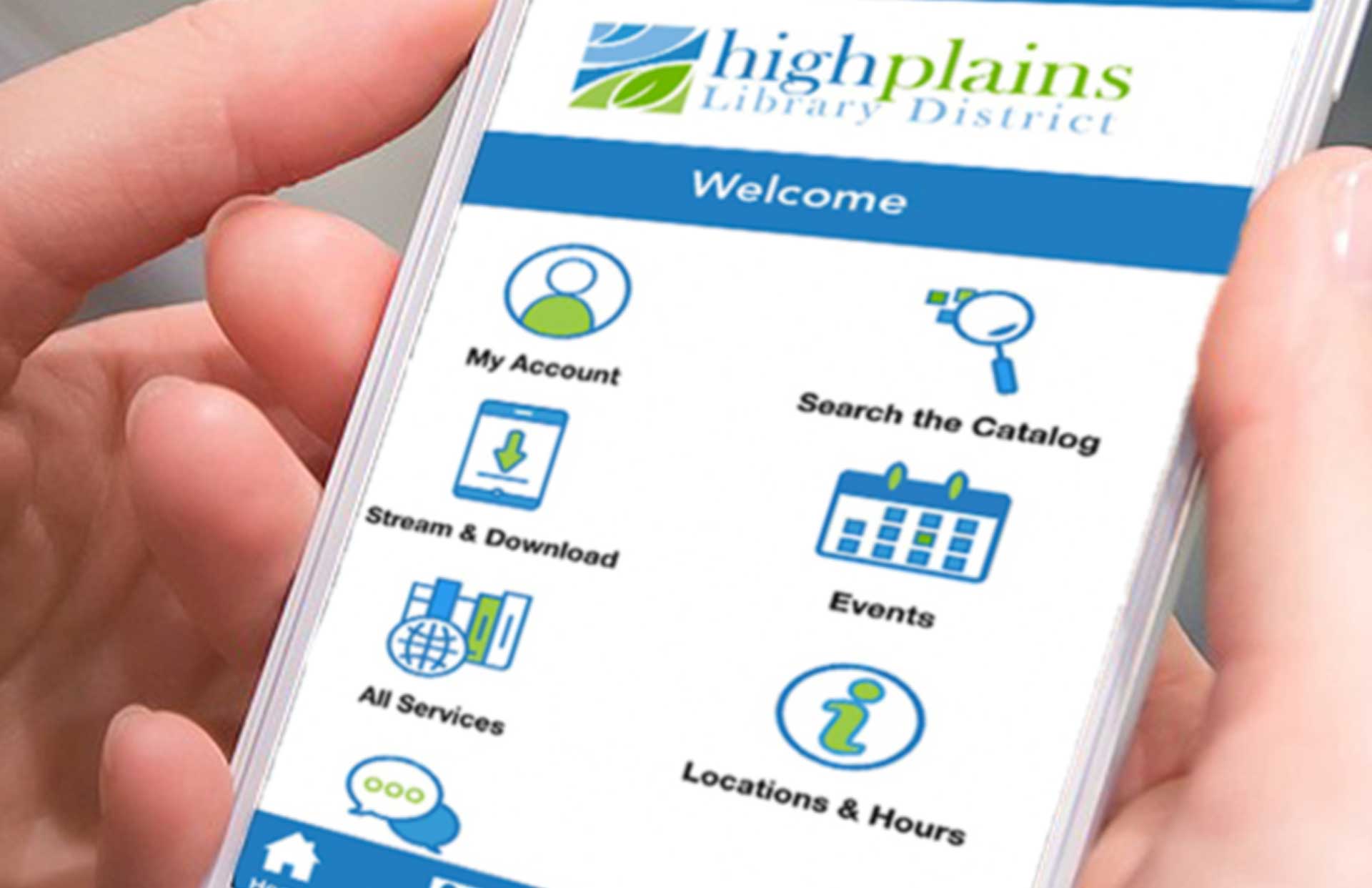
Now it’s easier than ever to browse the catalog, place requests, and access library service from your mobile device!

Resources, including library books and handouts, on a topic about becoming or being a caregiver of a baby or toddler. Available for pickup at the library!
See where the Bookmobile will be, or schedule a visit from one of our Outreach vehicles.

Give us some info about your reading tastes and we’ll give you a personal list of suggestions for your next read.
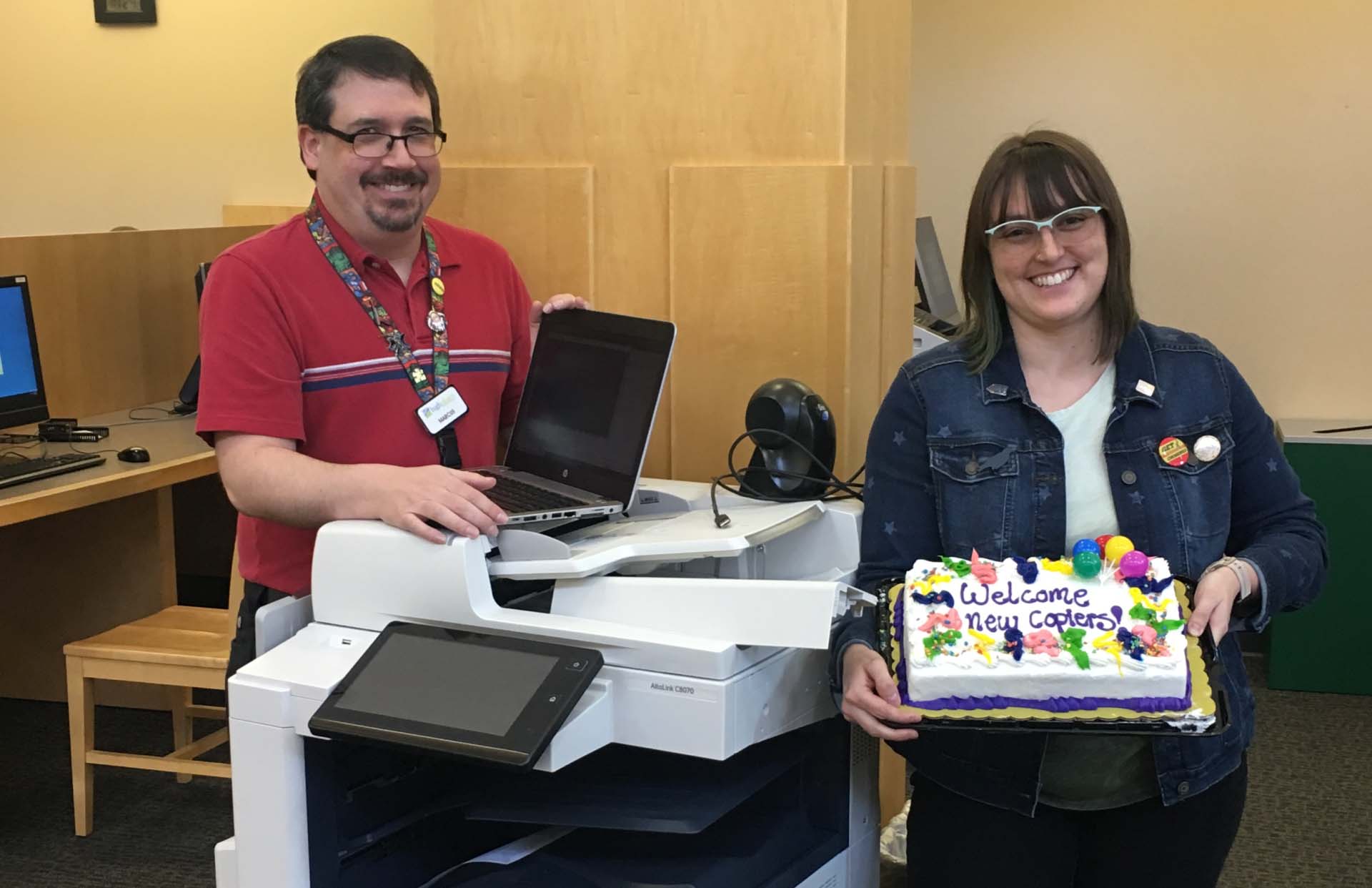
Free printing, mobile printing, copying, and faxing services are available.
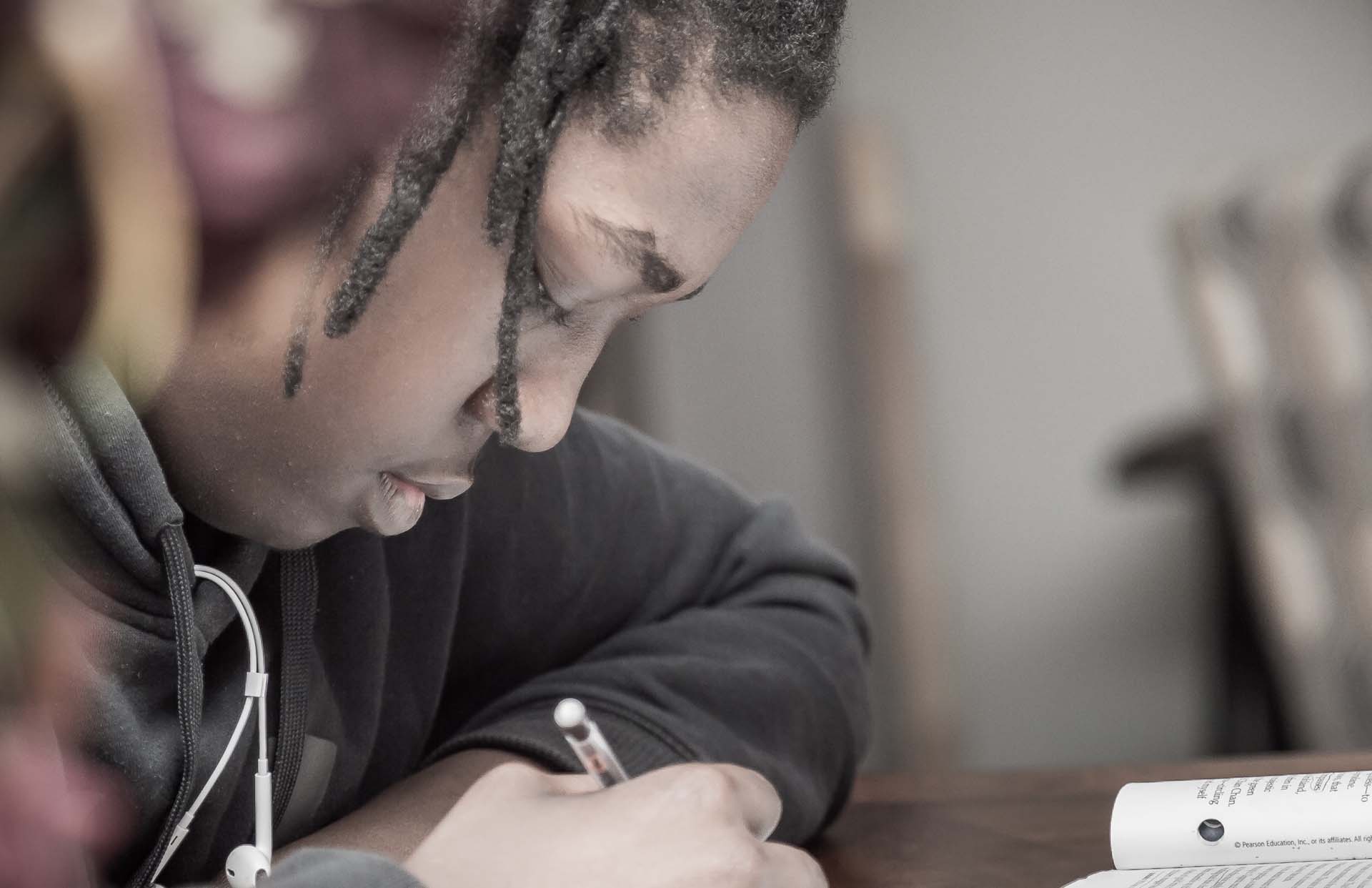
You’re ready for your test, now you just need proctoring.

Reserve a free meeting space suited to your schedule and your group’s size.
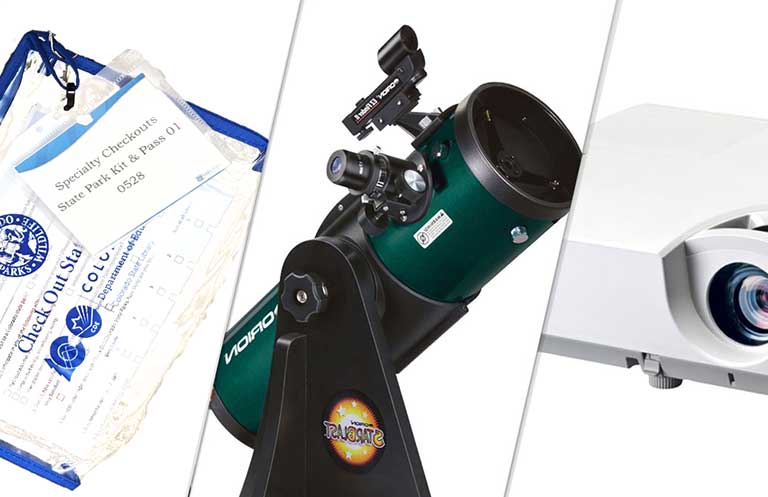
Take home laptops, mifi units, telescopes, projectors, and more!
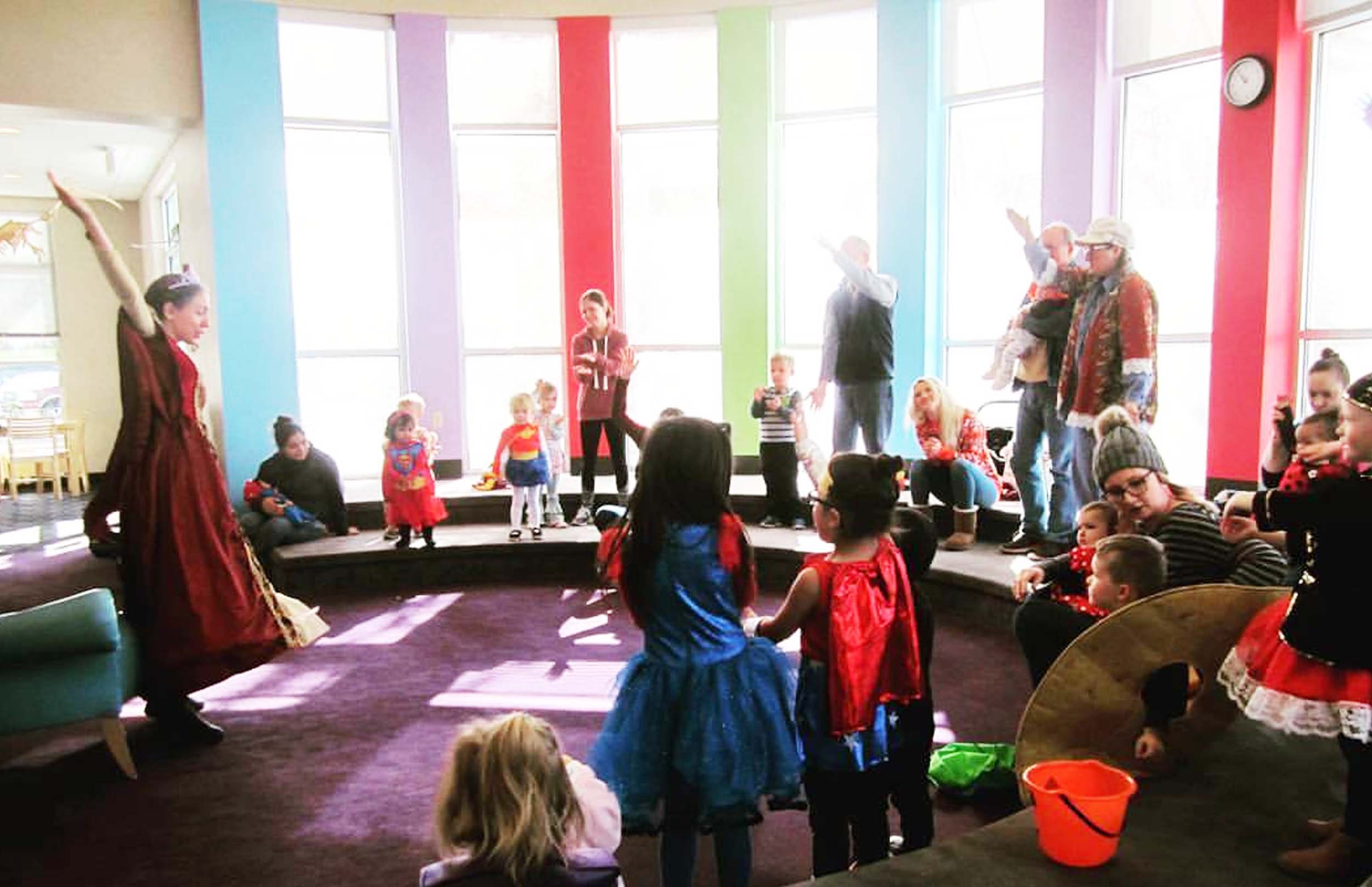
Find a storytime perfect for your child at a location near you.

Info and links to tax help for filing your 2023 taxes.